.png?width=200&height=105&name=Newsletter%20Images%20(27).png)
The Access option allows tenants to request access to a gate, door, or unit through Tenant Connect®. The access options available depend on the facility's configuration and the tenant's account.
-
From the Existing Customers screen, select Access. Scanning a QR code configured as an Access Point, may route directly to the Access screen.
- Log in and verify your identity. Tenant Connect uses several parameters to determine access eligibility, including:
- Login status
- Phone number
- Facility settings
- Account information
-
Choose an access option. After verification, all available access options will display.
- Open Gate/Door — Request access through a gate, door, or other configured access point.
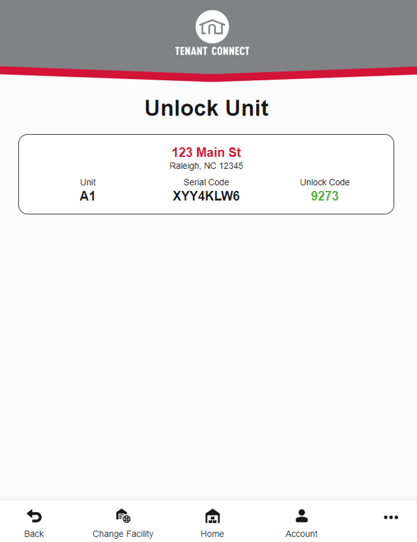
- Unlock Unit — Request access to your unit lock.
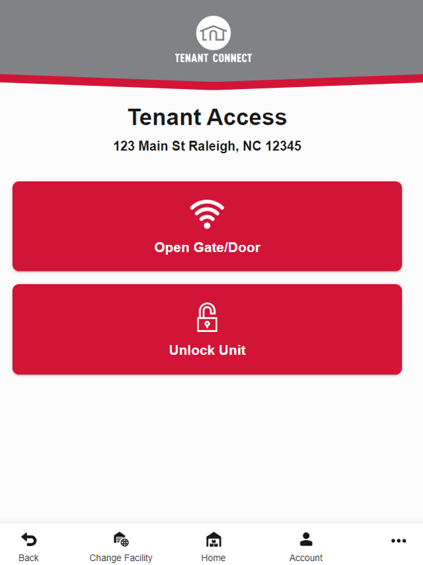
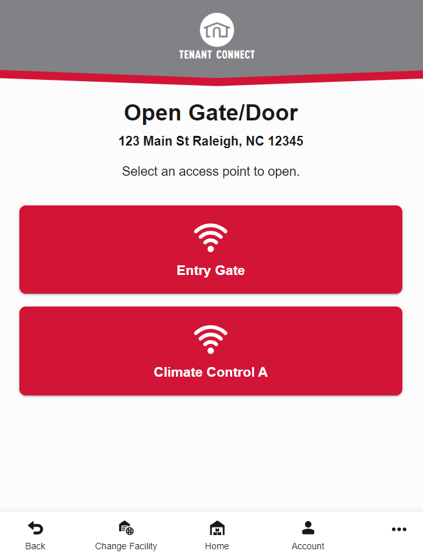
- Select the desired access option. Depending on the configured Gate Access Security Level, you may be prompted to:
- Verify your phone number
- Enter your gate access code
- If all requirements for access are met, access is granted.
If Access Cannot Be Granted
If Tenant Connect cannot grant access, an error message may be displayed. Common reasons include:
- The tenant account could not be found.
- The tenant is not associated with the selected facility.
- The account is not eligible for access.
- The requested access option is not available at the facility.
- The account status prevents access.
- The security settings do not permit access.
For more information, see Gate Access Security Levels.