
What Is G.O.A.T.?
G.O.A.T. stands for Gate Operator Access Technology. It is a cellular access controller that works with Tenant Connect® to provide secure, convenient access to facility gates, doors, and other entry points.
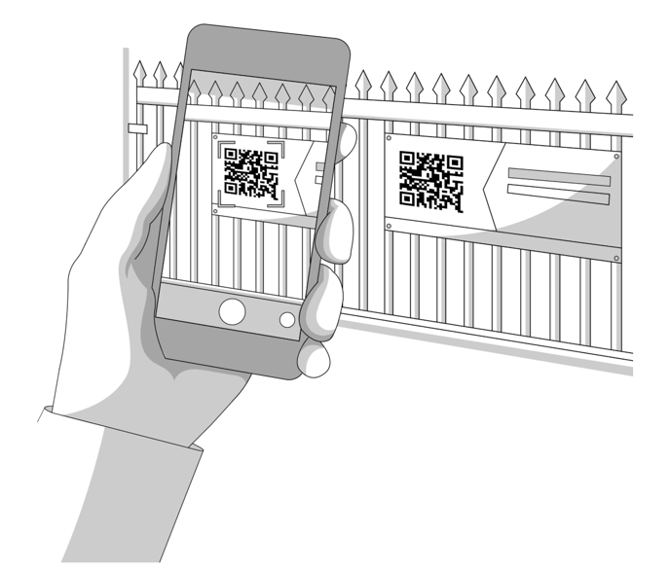
G.O.A.T. connects to an existing gate or door operator. G.O.A.T. connects to your existing gate operator and provides additional access options through QR codes, text messages, and Tenant Connect. Facilities can continue using their existing physical keypad.
How G.O.A.T. Works
Tenants and other authorized users can request access using:
- A QR code
- Text-to-Open through SMS
- The Tenant Connect digital keypad
- The Tenant Connect portal
Tenant Connect checks the user and account information available through the facility management software (FMS). Based on the facility’s settings, the user may verify a phone number, enter a gate code, or complete both steps before access is granted.
Why Use G.O.A.T.?
G.O.A.T. helps facilities:
- Offer mobile-friendly access without requiring an app
- Automate access decisions using tenant account information
- Provide access options for tenants, vendors, and employees
- Manage gates and access settings through Tenant Connect
- Review gate activity for reporting and troubleshooting
- Offer additional gate access options alongside traditional keypads.
A qualified installer uses the G.O.A.T. Installer to easily set up, test, and verify the device at the facility.
To learn more, see Installation or the complete G.O.A.T. Help Center.